Technical reference
Aspect Ratio vs Resolution: A Complete Cropping Reference
Many cropping mistakes come from treating aspect ratio and resolution as the same thing. They are related but answer different questions: ratio controls shape, while resolution controls pixel dimensions and available detail. This guide includes practical calculations and a decision process for output settings.
1. Aspect ratio describes shape
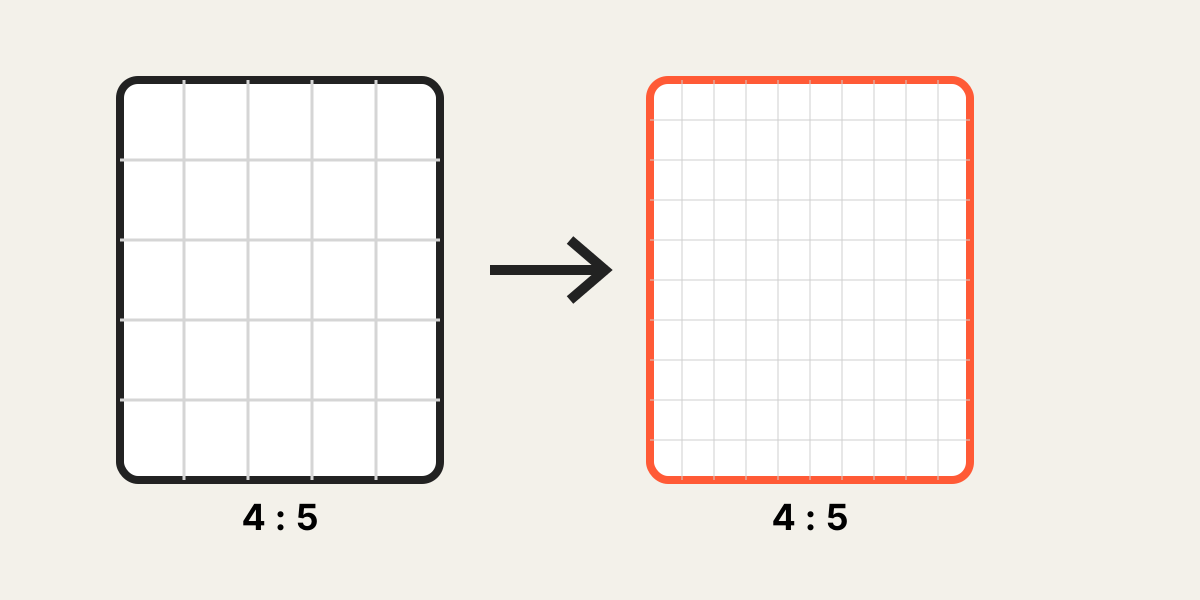
Aspect ratio is the relationship between width and height. A 1:1 image is square. A 4:5 image is taller than it is wide. Ratio does not tell you how many pixels the file contains.
The same 4:5 shape can exist at many sizes.
| Ratio | Example dimensions | Typical layout |
|---|---|---|
| 1:1 | 1080 × 1080 | Square grid or profile |
| 4:5 | 1080 × 1350 | Portrait card or post |
| 3:4 | 1200 × 1600 | Portrait and print |
| 9:16 | 1080 × 1920 | Vertical screen |
| 16:9 | 1920 × 1080 | Wide video or presentation |
2. Resolution describes pixel dimensions
Resolution in this context means the width and height in pixels. More pixels can preserve more detail, but only when the source actually contains that detail. File size, compression, and sharpness also affect the visible result.
3. Calculate dimensions from a ratio
To find height from width, multiply the width by the ratio height and divide by the ratio width. For a 4:5 output that is 1080 pixels wide: 1080 × 5 ÷ 4 = 1350 pixels high.
The resources page includes a calculator so you can enter any width, height, or ratio without doing the arithmetic manually.
4. Understand effective crop resolution
Cropping removes source pixels. A 4000-pixel-wide image may contain only 1200 visible pixels after a tight crop. That 1200-pixel crop is the meaningful source width for judging enlargement.
If the output is 2400 pixels wide, the browser must interpolate roughly two output pixels for every visible source pixel.
5. Choose output dimensions responsibly
Use the destination specification when one exists. Otherwise, choose dimensions close to the maximum display size and supported by the smallest effective crop in the set. A moderate, sharp output is better than a huge but soft file.
6. Match both ratio and dimensions for multi-image layouts
Matching ratio prevents shape changes. Matching dimensions prevents layout shifts and inconsistent handling in sliders, carousels, and video editors. For a coordinated set, use both.
Note: A consistent set can still contain different compression levels. Inspect sharpness after export, not just the file dimensions.
Frequently asked questions
Can two 4:5 images have different quality?
Yes. They can have the same shape but very different pixel counts, compression, focus, and source detail.
Does changing resolution change the crop?
Not necessarily. The composition can stay the same while the exported width and height change.
How can I avoid upscaling?
Choose output dimensions no larger than the visible source crop whenever possible.
Is DPI important for web images?
For web display, pixel dimensions are the primary concern. Printing workflows may also use physical size and DPI.
Overlay image crop editor
Upload your original and edited photos, lower the top image opacity, then align facial features or fixed background points. Every exported image uses the same crop ratio and pixel dimensions.
Start cropping