Documentation workflow
How to Create Consistent Progress Photos for Honest Comparison
Progress photos are useful only when differences in the images reflect the subject rather than changes in camera position or framing. A tighter crop, lower camera angle, different lighting, or altered posture can exaggerate progress. This guide explains how to create repeatable photographs and use overlay alignment responsibly so that comparisons remain informative and credible.
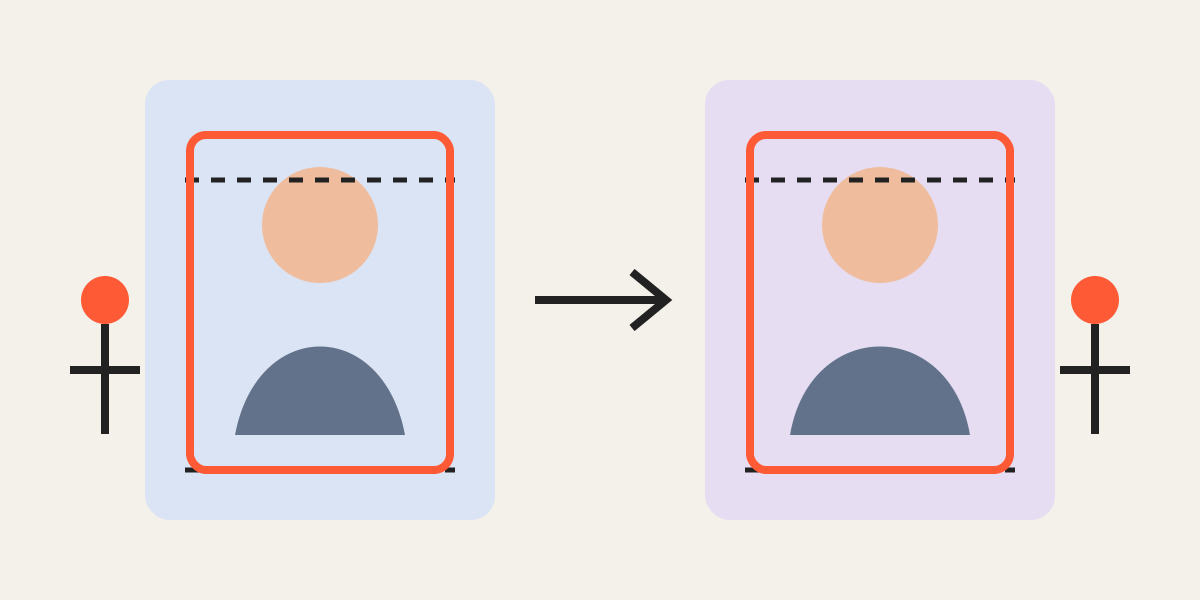
1. Define the purpose and ethical boundary
Decide what the sequence is intended to document: body composition, skincare, restoration, construction, cleaning, landscaping, or another measurable change. The comparison should help viewers understand progress, not manipulate their perception.
Record the capture method and avoid using a tighter crop, different posture, or favorable angle only in the “after” image. Honest consistency builds trust.
2. Standardize the camera position
Mark the camera location, height, orientation, and approximate focal length. Use a tripod or stable support when possible. For a room or product, choose fixed architectural or object landmarks. For a person, keep the camera level and distance consistent.
Cropping can correct small framing differences, but it cannot fully remove perspective changes caused by moving the camera closer, farther, higher, or lower.
3. Control subject position and conditions
Use the same stance, viewing direction, clothing category, background, and lighting when those factors affect interpretation. For skincare documentation, keep face angle and light direction consistent. For renovation, photograph from the same corner and height.
Write a short checklist and reuse it each time. A repeatable capture process reduces the amount of correction required later.
4. Align with stable landmarks
Load the reference and new image as separate layers. Reduce the upper opacity and align stable points such as eyes, shoulders, wall corners, door frames, product edges, or floor lines. Match scale before fine position.
Do not force a perfect overlap when the subject genuinely changed shape or position. Align the stable frame of reference and allow the real difference to remain visible.
5. Apply one crop rule to the series
Choose a ratio and output size that can be maintained over time. Define headroom, side margins, horizon height, or object baseline. Use the same rule for every session, but adjust each source independently inside the shared frame.
Keep uncropped originals and record the export dimensions. This allows the sequence to be reviewed or recreated later.
6. Present the comparison transparently
Label dates, conditions, and relevant context. Avoid filters or color treatments that make only one stage appear more favorable. When lighting or capture conditions differ, disclose that limitation.
A trustworthy progress series may look less dramatic than a manipulated one, but it provides more useful information and supports long-term credibility.
Frequently asked questions
Can cropping make progress photos misleading?
Yes. Different scale, angle, or framing can exaggerate change, so use repeatable rules and retain the originals.
What should be aligned first?
Align stable landmarks such as camera-level features, eyes, wall corners, or product edges before adjusting the crop.
Can software fix a different camera angle?
Only partially. Perspective changes are best prevented during capture rather than corrected afterward.
Overlay image crop editor
Upload your original and edited photos, lower the top image opacity, then align facial features or fixed background points. Every exported image uses the same crop ratio and pixel dimensions.
Start cropping